
Efficient Email Marketing with Automation Tools
Email marketing remains one of the most effective ways to connect with customers, especially in industries like construction, manufacturing, and retail. But managing email campaigns manually can be time-consuming and prone to errors. That’s where automation tools come in. They help you save time, increase engagement, and boost sales. In this post, I’ll share how you can leverage email automation advantages to transform your marketing efforts.
Why Email Automation Advantages Matter for Your Business
If you’re running a business in Kerala or the Middle East, you know how competitive the market is. You need every edge to stand out. Email automation offers several advantages that can help you do just that:
Time-saving: Automate repetitive tasks like sending welcome emails, follow-ups, and newsletters.
Personalization: Send targeted messages based on customer behavior and preferences.
Consistency: Maintain regular communication without missing a beat.
Scalability: Manage large contact lists effortlessly.
Improved ROI: Automated campaigns often see higher open and click rates.
Imagine sending a welcome email the moment someone signs up on your website without lifting a finger. Or automatically reminding customers about abandoned carts. These are just a few examples of how automation can work for you.
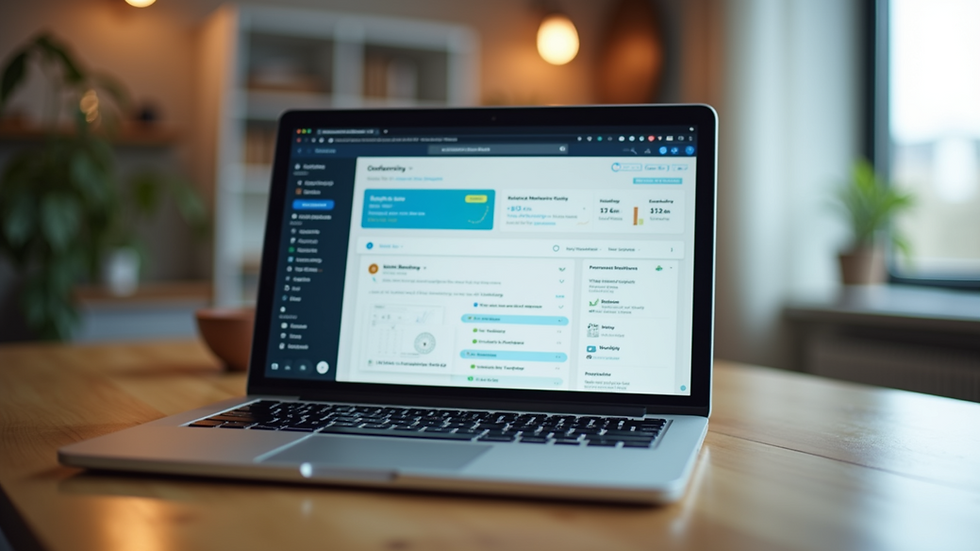
How to Get Started with Email Automation Advantages
Starting with email automation might seem daunting, but it’s easier than you think. Here’s a simple step-by-step guide to help you begin:
Choose the Right Tool
Look for software that fits your business size and needs. Many tools offer drag-and-drop editors, templates, and analytics. For businesses in construction, manufacturing, and retail, integration with your ERP system can be a game-changer.
Build Your Email List
Collect emails through your website, in-store visits, or events. Always get permission to comply with regulations.
Segment Your Audience
Divide your list based on factors like location, purchase history, or interests. This helps you send relevant content.
Create Automated Workflows
Set up triggers such as sign-ups, purchases, or inactivity. Define the sequence of emails to send automatically.
Test and Optimize
Monitor open rates, click-throughs, and conversions. Adjust your content and timing based on data.
By following these steps, you’ll harness the full power of email automation advantages and see real results.

Practical Examples of Email Automation in Action
Let’s look at some real-world examples tailored to your industry:
Construction: Send project updates or safety tips to clients and subcontractors automatically.
Manufacturing: Notify customers about new product launches or maintenance schedules.
Retail: Remind customers about sales, abandoned carts, or loyalty rewards.
For instance, a retail store in Kerala could automate birthday discounts to encourage repeat purchases. A manufacturing firm in the Middle East might send automated maintenance reminders to clients, reducing downtime and improving satisfaction.
These examples show how automation can improve communication and build stronger relationships.
Tips for Crafting Effective Automated Emails
Automation is powerful, but your emails still need to be engaging. Here are some tips to keep your messages effective:
Keep it short and clear: Busy professionals appreciate concise emails.
Use a friendly tone: Write as if you’re talking to a colleague.
Include a clear call to action: Tell readers exactly what you want them to do.
Personalize where possible: Use names and relevant details.
Test different subject lines: Find what grabs attention best.
Remember, automation doesn’t mean robotic. Your emails should feel personal and valuable.
How to Integrate Email Automation with Your Business Systems
To maximize efficiency, connect your email automation tool with your existing software. For example, integrating with your ERP system can:
Sync customer data automatically.
Trigger emails based on sales or inventory changes.
Provide detailed analytics to improve campaigns.
This integration is especially useful for businesses in construction, manufacturing, and retail, where operations and customer data are complex.
If you want to explore how to implement this, check out email marketing automation solutions that work seamlessly with ERP software.

Moving Forward with Email Automation Advantages
Email automation is not just a trend; it’s a necessity for businesses aiming to grow efficiently. By adopting automation tools, you can:
Save valuable time.
Deliver personalized experiences.
Increase customer engagement.
Drive more sales.
Start small, experiment, and scale your efforts. The right tools and strategies will help you stay ahead in the competitive markets of Kerala and the Middle East.
Ready to take your email marketing to the next level? Dive into automation and watch your business thrive.


Comments