
Key Features of ERP Software for Your Business
Running a business in construction, manufacturing, or retail means juggling many tasks at once. From managing inventory to handling finances and coordinating teams, it can get overwhelming. That’s where a powerful tool like erp software comes in. It helps you bring all your operations under one roof, making your work smoother and more efficient. But what exactly should you look for in ERP software? Let me walk you through the key features that can transform your business.
Why ERP Software Features Matter for Your Business
Choosing the right ERP software features is crucial. They determine how well the system fits your unique needs. For example, a construction company needs strong project management tools, while a retailer might focus more on inventory and sales tracking. The right features help you:
Save time by automating routine tasks
Reduce errors with centralized data
Improve decision-making with real-time insights
Enhance collaboration across departments
Imagine having all your data in one place, accessible anytime, anywhere. Sounds good, right? Let’s explore the features that make this possible.

Core ERP Software Features That Drive Success
When you start looking for ERP software, keep an eye out for these core features. They form the backbone of any effective system.
1. Integrated Financial Management
Managing your finances is the heart of your business. A good ERP system offers:
General ledger and accounting: Track all transactions accurately.
Accounts payable and receivable: Manage bills and payments efficiently.
Budgeting and forecasting: Plan your financial future with confidence.
Tax management: Stay compliant with local tax laws in Kerala and the Middle East.
This integration means no more juggling multiple spreadsheets or software. Everything flows seamlessly, giving you a clear financial picture.
2. Inventory and Supply Chain Management
For manufacturing and retail, inventory control is vital. Look for features like:
Real-time inventory tracking: Know what’s in stock at all times.
Order management: Automate purchase orders and sales orders.
Supplier management: Keep track of vendor performance and contracts.
Warehouse management: Optimize storage and reduce waste.
These tools help you avoid stockouts or overstocking, saving money and keeping customers happy.
3. Project and Job Costing
Especially important for construction businesses, this feature helps you:
Track project progress: Monitor timelines and milestones.
Manage resources: Allocate labor, materials, and equipment efficiently.
Calculate job costs: Understand profitability on each project.
Generate reports: Share updates with clients and stakeholders.
With this, you can keep projects on budget and on schedule, reducing surprises.
4. Customer Relationship Management (CRM)
Happy customers mean repeat business. A built-in CRM helps you:
Manage contacts and leads: Keep all customer info in one place.
Track sales opportunities: Follow up on potential deals.
Automate marketing campaigns: Reach your audience effectively.
Provide customer support: Resolve issues quickly.
This feature strengthens your relationships and boosts sales.
5. Human Resource Management
Your team is your greatest asset. ERP software should help you:
Manage employee records: Store personal and job details securely.
Track attendance and leave: Simplify payroll processing.
Handle recruitment: Streamline hiring and onboarding.
Monitor performance: Set goals and review progress.
This keeps your workforce organized and motivated.

How Customization Enhances ERP Software Features
No two businesses are the same. That’s why customization is a game-changer. You want software that adapts to your workflows, not the other way around. Here’s how customization helps:
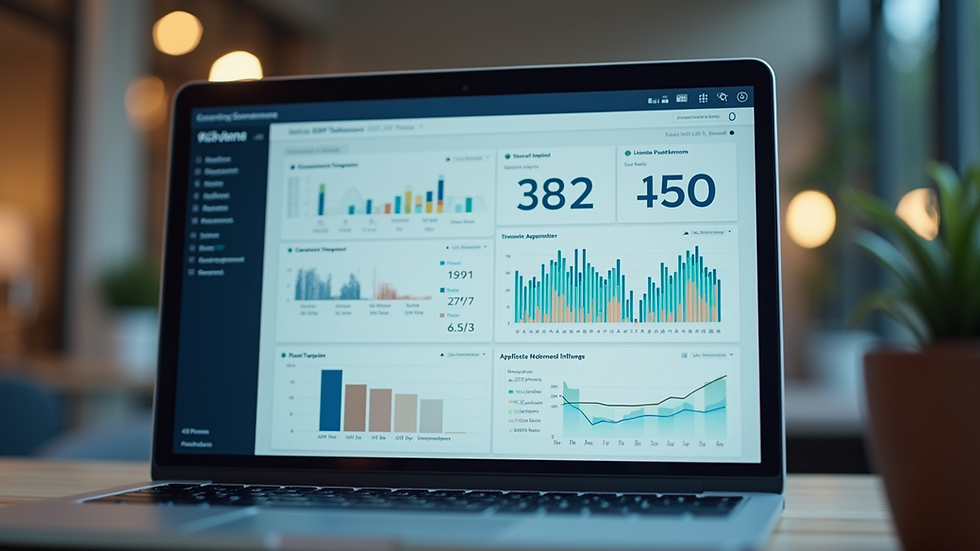
Tailored dashboards: See the data that matters most to you.
Industry-specific modules: Get tools designed for construction, manufacturing, or retail.
Flexible reporting: Create reports that fit your business questions.
Scalable solutions: Grow your system as your business expands.
Don’t settle for a one-size-fits-all solution. Customization ensures your ERP software truly supports your goals.
Tips for Choosing the Right ERP Software Features
Selecting the right features can feel overwhelming. Here are some practical tips to guide you:
Assess your business needs: List your pain points and priorities.
Involve your team: Get input from those who will use the system daily.
Consider integration: Ensure the ERP works well with your existing tools.
Check for local support: Choose a provider familiar with Kerala and Middle East regulations.
Request demos and trials: Test the software before committing.
By following these steps, you’ll find a solution that fits like a glove.
Embracing ERP Software for Seamless Growth
Implementing ERP software is more than just installing a program. It’s about transforming how your business operates. With the right features, you can:
Streamline operations across departments
Improve accuracy and reduce manual work
Gain insights that drive smarter decisions
Enhance customer satisfaction and loyalty
Are you ready to take your business to the next level? The right ERP software can be your partner in growth and success.
I hope this guide helps you understand the key features to look for in ERP software. Remember, the goal is to simplify technology and make your business run smoother. If you want to explore options tailored for your industry and region, check out Catalist Software Solutions. They specialize in helping businesses like yours thrive with powerful ERP solutions.
Happy growing!


Comments